

YOUR DEVICE DESERVES CERTIFIED REPAIR TECHS
The Garage Tech Repair is proud to have in-house, certified technicians who fix a variety of tech! We also repair devices from all carriers. Let us make your tech feel brand new again.
Our certified technicians are Samsung, Google, and Apple certified for Out of Warranty repairs, as well as WISE (Wireless Industry Service Excellence) certified! This allows us to offer genuine parts, though we also carry aftermarket parts if you need a more cost-effective option. The decision is up to you!
Your Privacy Matters
We are deeply committed to protecting your personal data. We will never ask for your unlock code or password to repair your device. Your photos, files, and personal information remain private and secure while your tech is in our care.
GET YOUR TECH REPAIRED
We can repair your broken tech and get you back on your way. You don't need to be a customer to utilize our repair department. Stop by any of our locations, use the form on the bottom of this page for a free estimate, or call us directly! We warranty our repairs for 90 days unless the device has physical or water damage after the repair. We look forward to seeing you!
Tech Repair in Grangeville
Now offering service every Wednesday! Call to schedule!
Schedule or Visit Us:
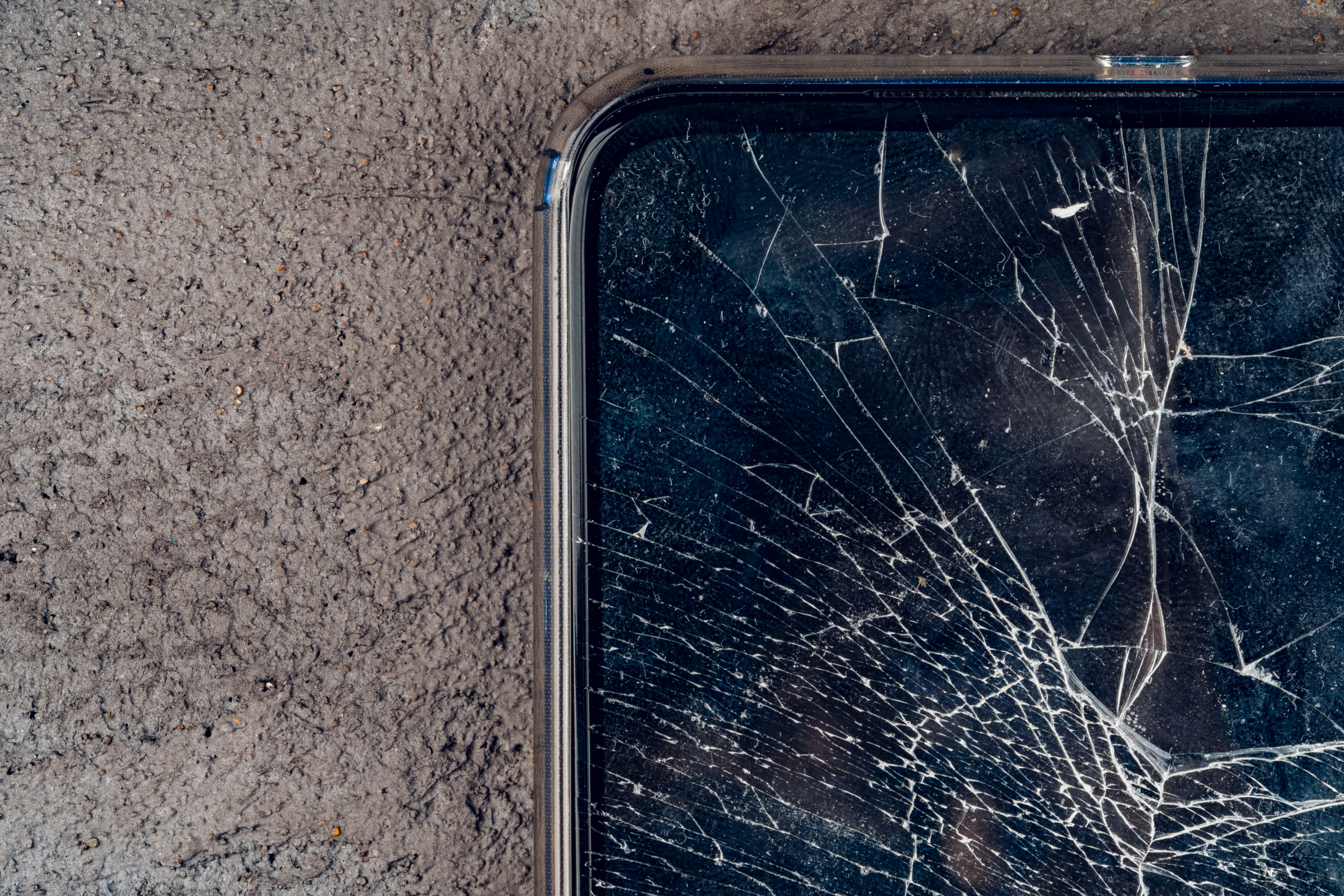
CRACKED SCREEN?
Cracked smartphone screens are the most common type of repair we do. We repair Apple, Google, and Android smartphones along with tablets, smart watches, and laptops.
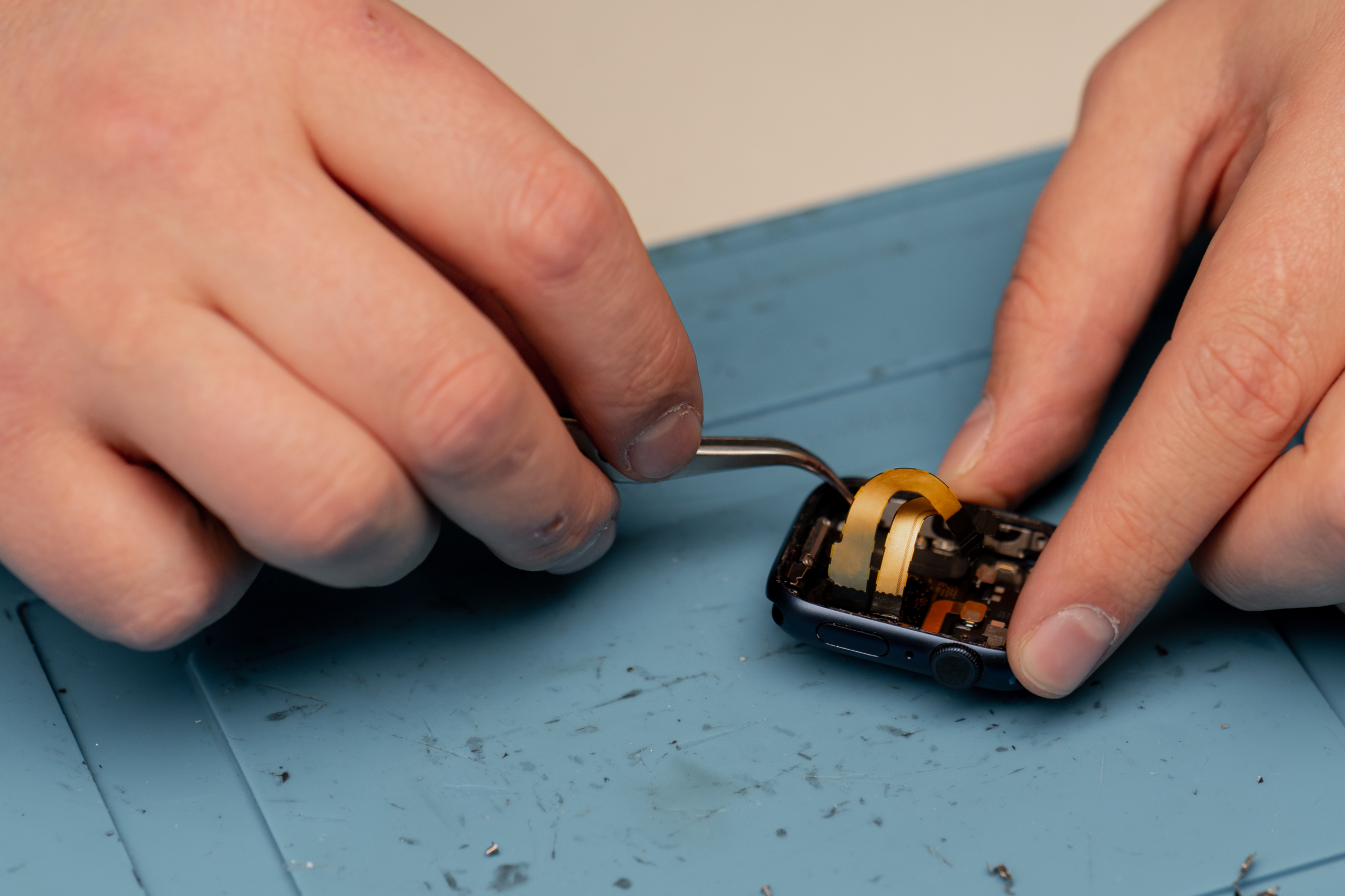
DEAD BATTERY?
Is your device dying quickly? Want to squeeze as much life out of it as possible? Maybe a new battery can help! We can replace batteries in smartphones, tablets, smart watches, and laptops.

NO SIGNAL/BLACK SCREEN?
If your gaming console has a no signal message or a black screen, it could be the HDMI port. Our certified technicians can repair or replace the HDMI port on your gaming console in no time.
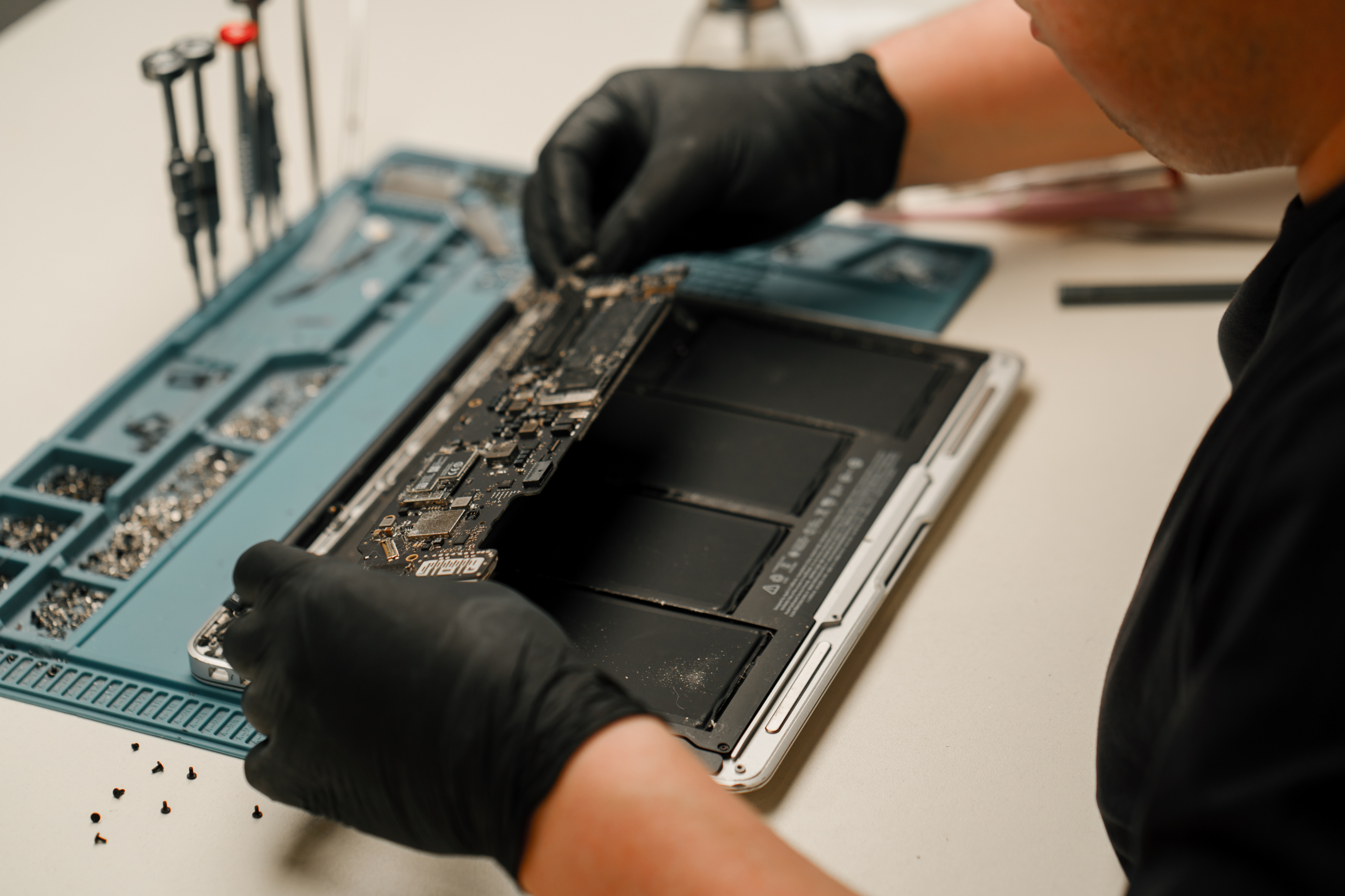
LAPTOP RUNNING SLOW?
No need to replace your laptop! Just bring it to us and we can diagnose and fix the problem. You may need a tune-up, to upgrade your RAM, or reflash the operating system.